
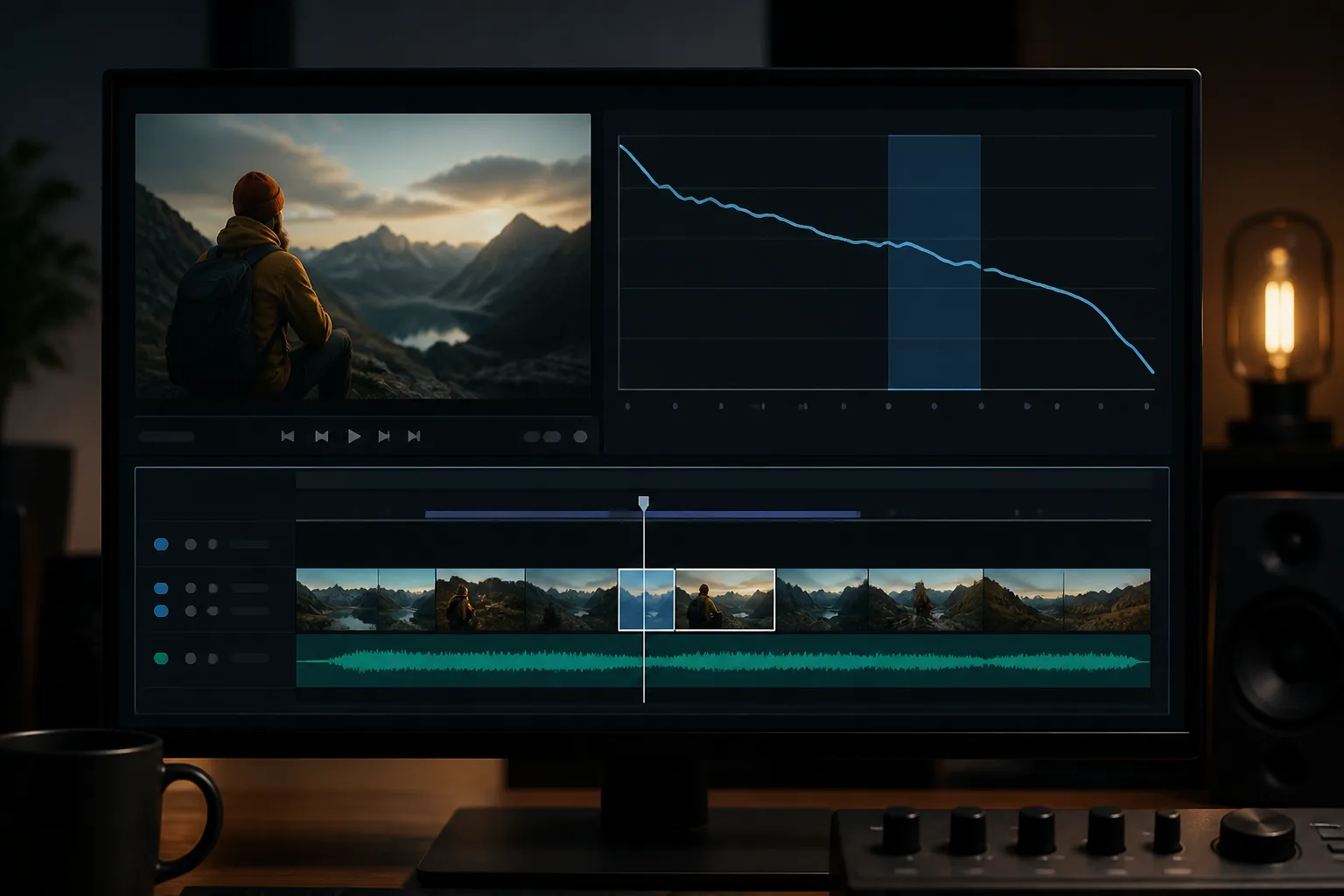
Short answer: For long-form videos, the audience retention editing techniques that matter most are a stronger opening, tighter cuts around pauses and irrelevant footage, and clean dialogue with balanced music. Open with a question, an exciting clip, or a preview to pull viewers in fast. These edits give you a better chance of holding attention, but no single technique guarantees a retention number.
- Editors can open with a question, an exciting clip, or a preview, and avoid long introductions or unnecessary logos.
- Unnecessary pauses and long static shots can reduce audience interest; jump cuts, cutaways, and B-roll can maintain flow and clarity.
- Captions, titles, and motion graphics can highlight key points and guide viewers, but overusing effects can be distracting.
- Organize clips to build curiosity and clarity, with a beginning, middle, and end.
Which audience-retention metrics should editors track for long-form videos?
Start with the metrics YouTube Studio already shows you: average view duration, average percentage viewed, and the shape of your audience retention graph. There’s no universal benchmark for a good score, so compare each video against your own past uploads rather than chasing a fixed target.
When you review those numbers, look closely at stretches with unnecessary pauses or long static shots, because those are the moments that tend to lose viewer interest. Treat them as your first editing targets.
Think of audience retention editing techniques as a set of choices that make your video easier to keep watching, not a formula for a specific result. For a broader look at improving audience retention on your videos, start there, then use the techniques below to decide where to cut, tighten, or clarify.
How can editors use a retention graph to find sections to revise?
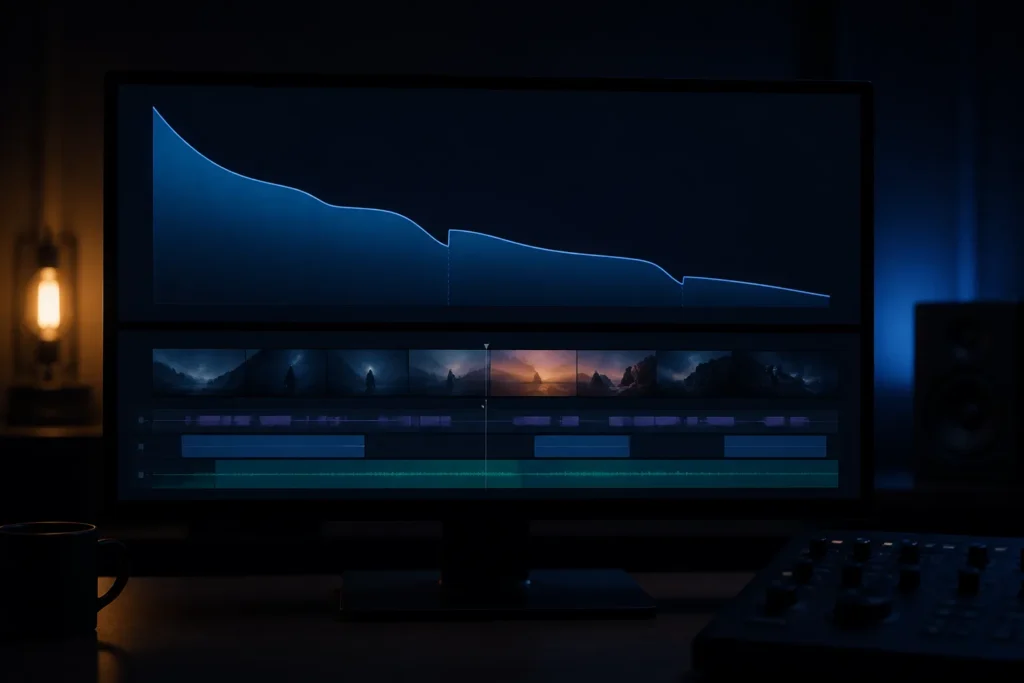
Open your retention graph and look for places where the line drops faster than the rest of the video. A dip doesn’t tell you exactly what went wrong, but it shows you where to look first.
Watch those sections back with fresh eyes. Unnecessary pauses, long static shots, and repetitive or irrelevant footage are the usual suspects, and each one has a clear fix: trim it, cover it with B-roll, or cut it entirely.
Audience retention editing works best when you treat the graph as a pointer, not a diagnosis. Change one thing at a time where you can, so you can see whether the fix helped on your next upload.
Which audience retention editing techniques can address viewer drop-off?
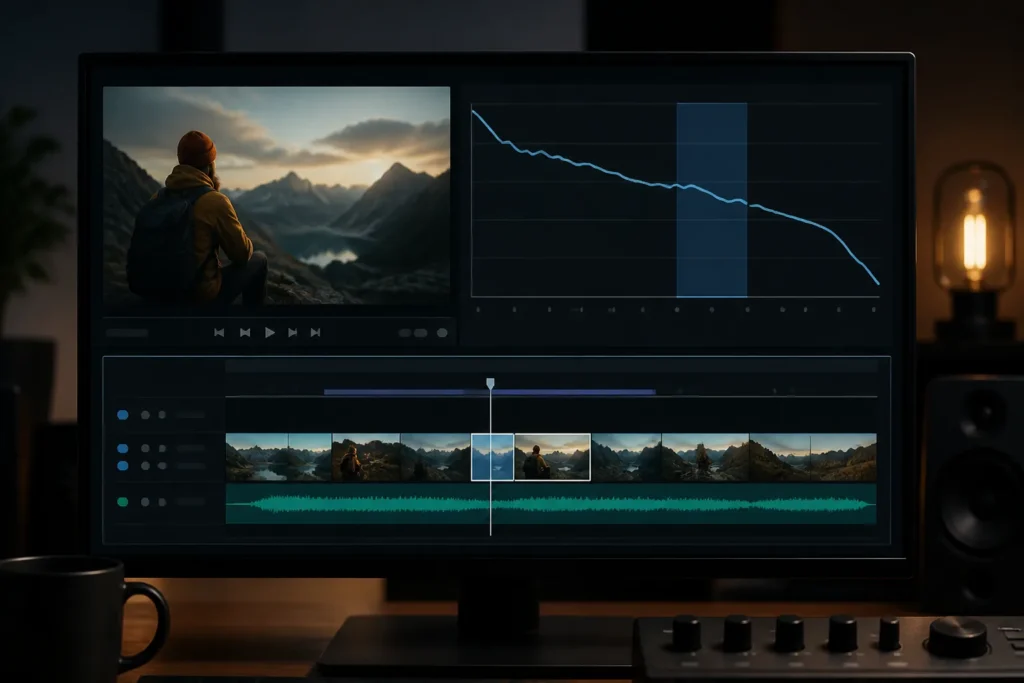
The most reliable fixes for viewer drop-off are a more direct opening, cuts or supporting visuals over pauses and static shots, and clean audio. None of these is a guaranteed cure, but together they remove the most common reasons people click away.
A video can open with a question, an exciting clip, or a preview, while avoiding a long introduction or unnecessary logo. Jump cuts, cutaways, and B-roll can address unnecessary pauses and long static shots while maintaining flow and clarity. Clean dialogue and balanced background music matter too, so check your audio before you export.
Start applying audience retention editing techniques with whichever issue shows up most in your footage. If the intro drags, fix the opening first. If the middle sags, look for pauses and repeated points. Match the fix to the problem instead of applying every technique to every section.
See YouTube video editor reviews
How should pacing and visual changes differ across tutorials, documentaries, and interviews?
Match your cut tempo to the soundtrack’s rhythm, and use background music to set the mood and keep the energy up. That works across tutorials, documentaries, and interviews, though you’ll adjust how fast you cut to suit the content.
Use zooms, humor, and visual changes as pattern interruptions to break monotony and refresh attention. In a tutorial, that might be a zoom on the key step. In an interview, a cutaway to B-roll can do the same job.
There’s no fixed cut frequency for each format, so let the content guide you. A tutorial needs enough time for viewers to follow each step. A documentary can breathe more. An interview benefits from trimming filler between answers. Apply the same audience retention editing techniques and adjust the pace to fit.
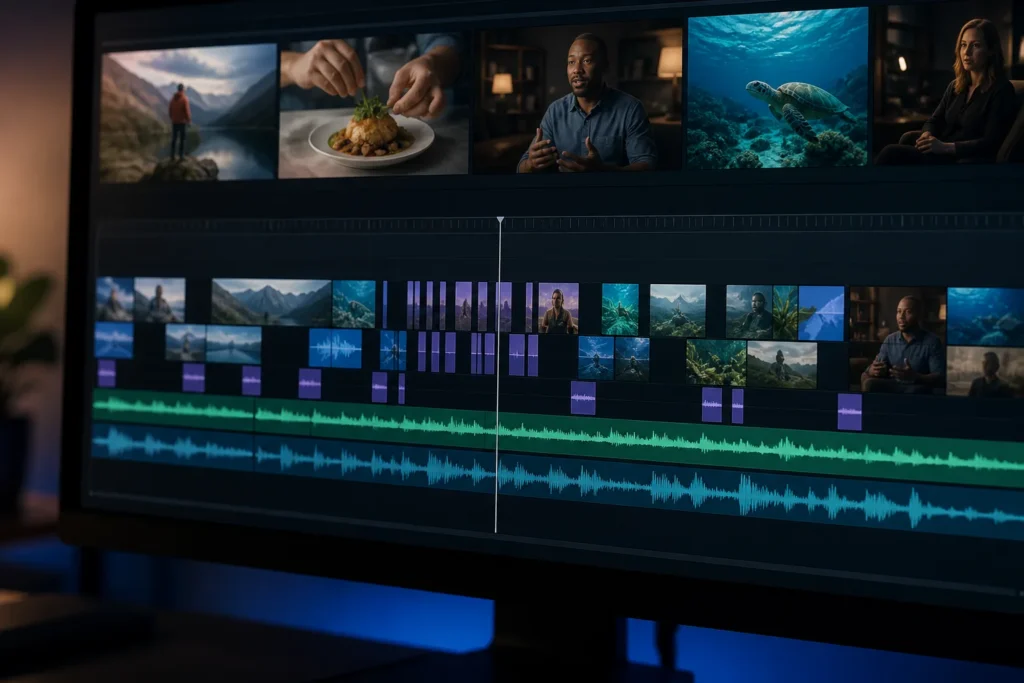
What editing workflow can improve retention without losing clarity or narrative flow?
A simple workflow works well: organize your footage to build curiosity and clarity, shape it into a clear beginning, middle, and end, then make a pass for pauses and anything that doesn’t earn its place.
- Organize clips to build curiosity and clarity, with a beginning, middle, and end.
- Consider opening with a question, exciting clip, or preview, and avoid long introductions or unnecessary logos.
- Review for unnecessary pauses and long static shots; jump cuts, cutaways, or B-roll can help maintain flow and clarity.
- Remove repetitive or irrelevant footage so each part adds value.
Use this audience retention editing checklist on every long-form video. Keep curiosity and clarity as your guide for each cut, and adjust the order to suit how you like to work.
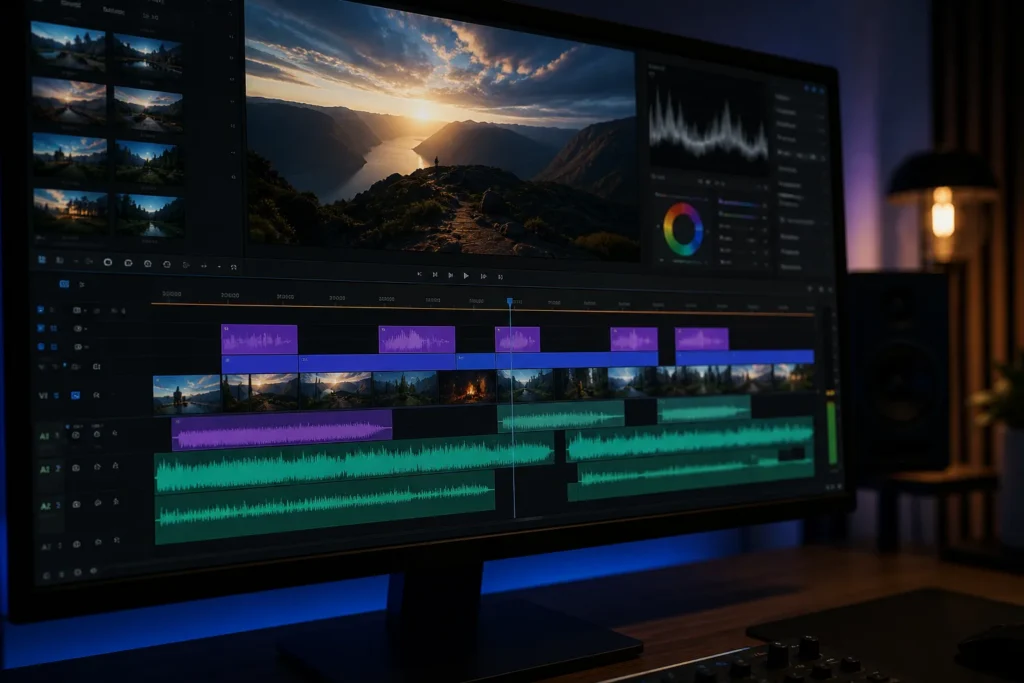
Find YouTube video editors on Fiverr
What trade-offs can jump cuts, effects, music, and aggressive trimming create?
Every editing choice has a trade-off. Captions, titles, and motion graphics can highlight key points and guide viewers, but too many effects pull attention away from what you’re saying.
| Editing choice | Benefit | Watch out for |
|---|---|---|
| Captions, titles, and motion graphics | Can highlight key points and guide viewers. | Overuse can distract. |
| Removing repetitive or irrelevant footage | Can make each second add value. | Not every long video needs to be shorter. |
| Dialogue and background music | Clean dialogue and balanced background music are audio considerations. | Check levels by ear on more than one device. |
Use the table as a quick check while you edit. Aim for the benefit in each row without tipping into the caution. If an effect or music cue doesn’t help the viewer follow along, cut it back.
What software, hardware, and editing time are needed for retention-focused edits?
You don’t need special software or hardware to use audience retention editing techniques. Any editor that lets you trim clips, add B-roll, place captions, and balance audio levels can handle these audience retention editing techniques.
Focus on the result rather than the gear. Aim for clean, clear dialogue and background music that supports your voice instead of competing with it.
How long the edit takes depends on your footage and how much tightening it needs. Build in time for a full review pass, since that’s where you’ll catch the pauses and repeats that hurt retention.
How should editors compare retention after publishing and guide the next edit?
After you publish, compare the new video’s retention graph with similar videos on your channel. Check whether the drop-offs you edited for have shrunk, and note where viewers still leave.
Keep the same core principles in mind for your next edit: a clear narrative with a beginning, middle, and end, and no repetitive or irrelevant footage. Clips organized to build curiosity and clarity give every second a job.
Remember that one edit rarely explains a whole change in retention, since your topic, title, and thumbnail also play a part. Use what you learn to guide your next round of audience retention editing, not as proof that one technique always works.
| Editing choice | Benefit | Watch out for |
|---|---|---|
| Captions, titles, and motion graphics | Can highlight key points and guide viewers. | Overuse can distract. |
| Removing repetitive or irrelevant footage | Can make every second add value. | Not every long video needs to be shorter. |
| Dialogue and background music | Clean dialogue and balanced background music are audio considerations. | Check levels by ear on more than one device. |
What the data says
- Try a question, exciting clip, or preview at the opening, and avoid long introductions or unnecessary logos.
- Review footage for unnecessary pauses and long static shots; jump cuts, cutaways, and B-roll help maintain flow and clarity.
- Organize clips to build curiosity and clarity through a beginning, middle, and end.
- Remove repetitive or irrelevant footage, but don’t cut a long video just to make it shorter.
- Audience retention editing techniques work best when your retention graph, not guesswork, decides which section you revise first.
Reader questions
Which audience-retention metrics should editors track for long-form videos?
Track average view duration, average percentage viewed, and the shape of your retention graph in YouTube Studio. Compare them with your own past videos rather than a universal benchmark, and watch for pauses and long static shots, which can reduce audience interest.
How can an editor use a video’s retention graph to identify sections that need revision?
Look for steep drops in the graph, then rewatch those moments. Unnecessary pauses and long static shots are common causes, so trim them or cover them with B-roll.
Which editing techniques can address viewer drop-off?
Good options include opening with a question, exciting clip, or preview; using jump cuts, cutaways, and B-roll to maintain flow; and removing repetitive or irrelevant footage.
How should pacing differ between tutorials, documentaries, and interviews?
Match your cut tempo to the soundtrack’s rhythm and use visual changes as pattern interruptions. Give tutorials enough time for each step, let documentaries breathe, and trim filler between interview answers.
